
Updating SynaptikCMS
Updating SynaptikCMS is an hassle-free process. When an update is available, you will see a notification in your Admin Dashboard.
1. Backup your Data
Go to Admin > Tools > Backup & Export. Click 'Download a full backup' to save a copy of all your current data on your computer.The archive will contain all your published content (stored in
/data/
), all your images and media (
/files/
) and your site settings (
settings.json
).
2. Apply Update
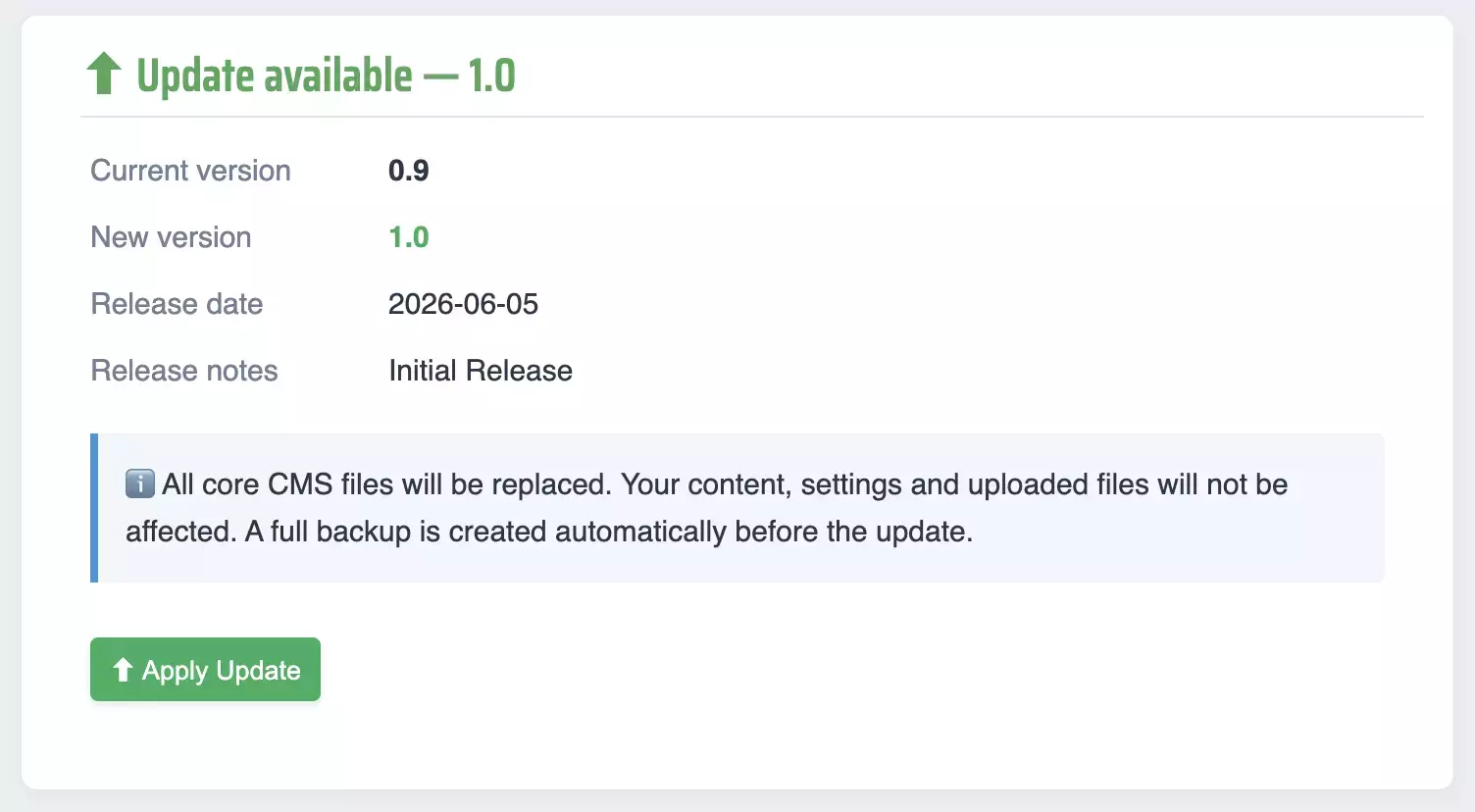
Click 'Apply Update' in the Dashboard to view the details of the update.
On the update view, click 'Apply Update' again. Do not close the window or tab during this process: wait a few seconds while the system replaces the core files.
That's it, you're done and up to date.
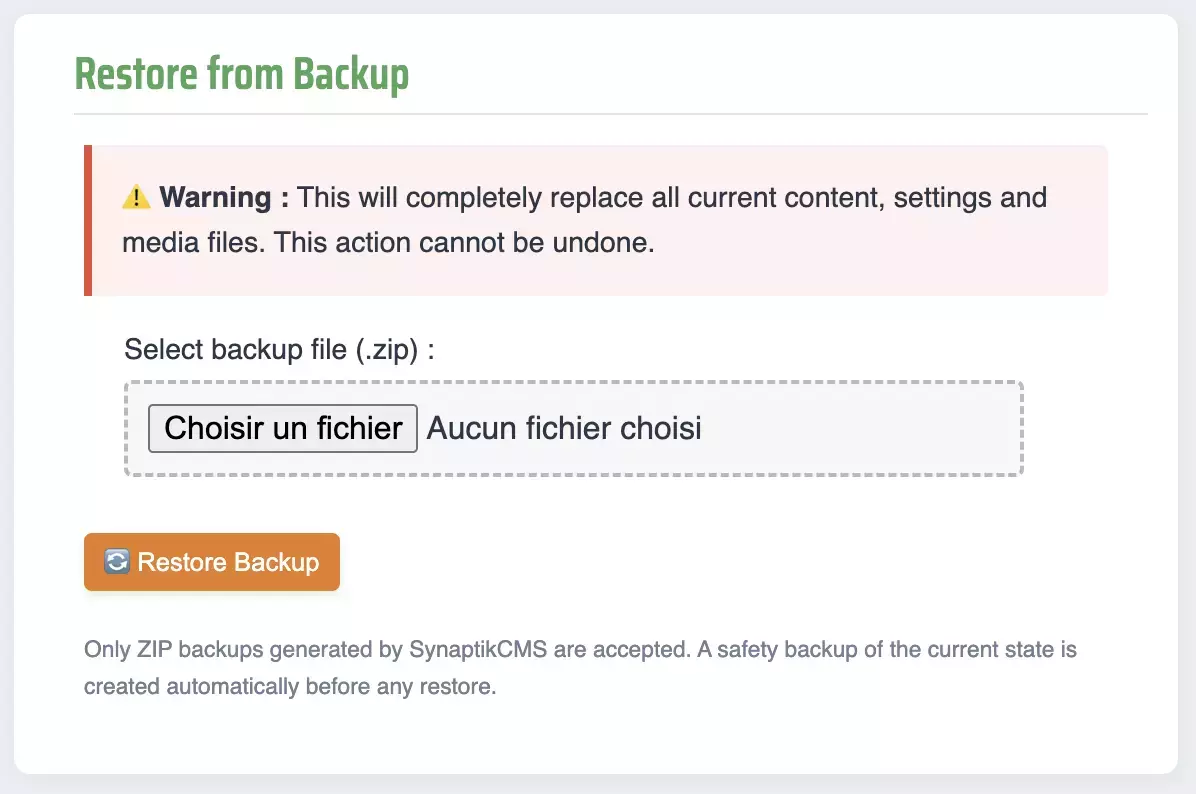
If you run into any issues during the udpate process, go back to Tools > Backup & Export. Use the Restore from Backup section to import your data again.