
SynaptikDocs Theme
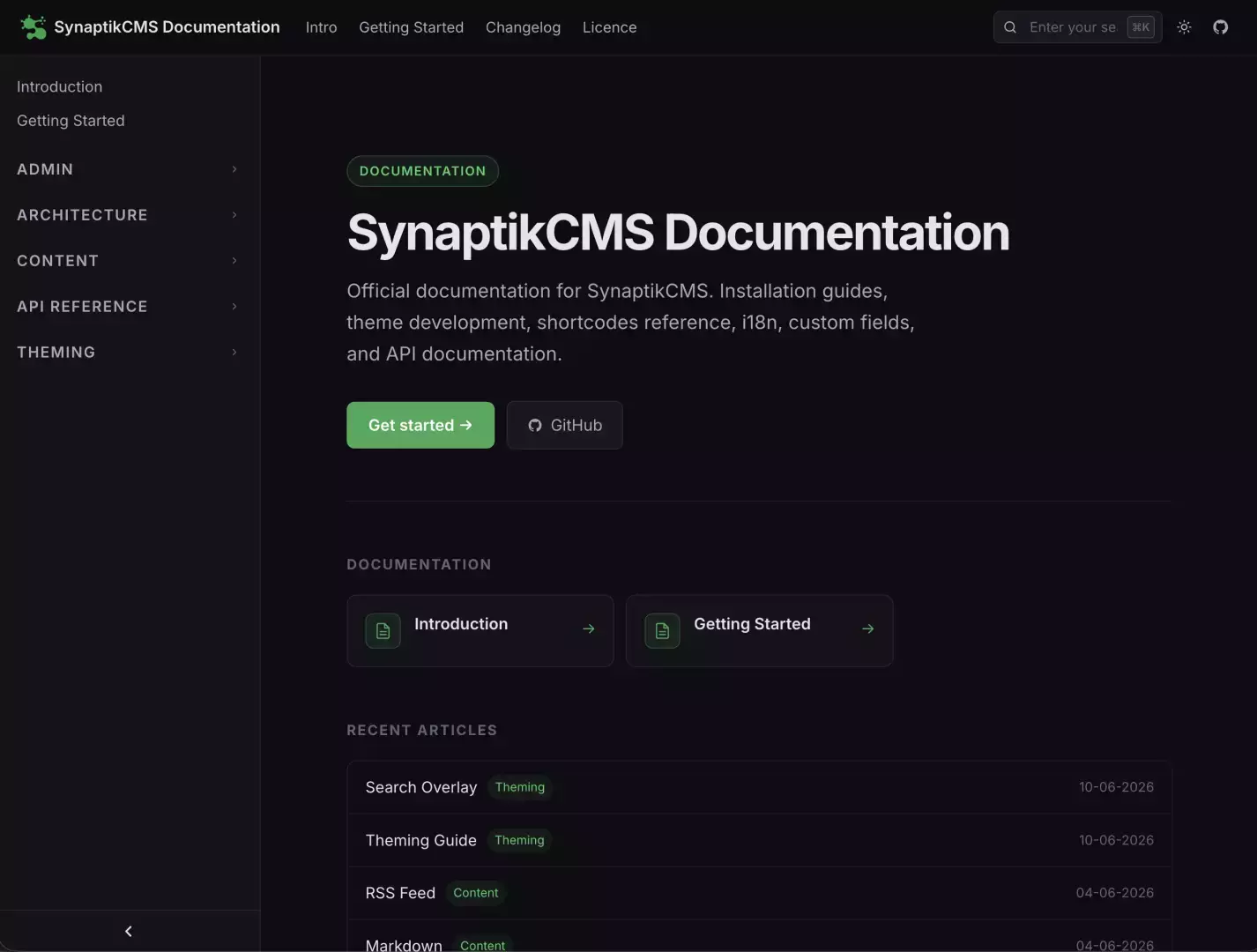
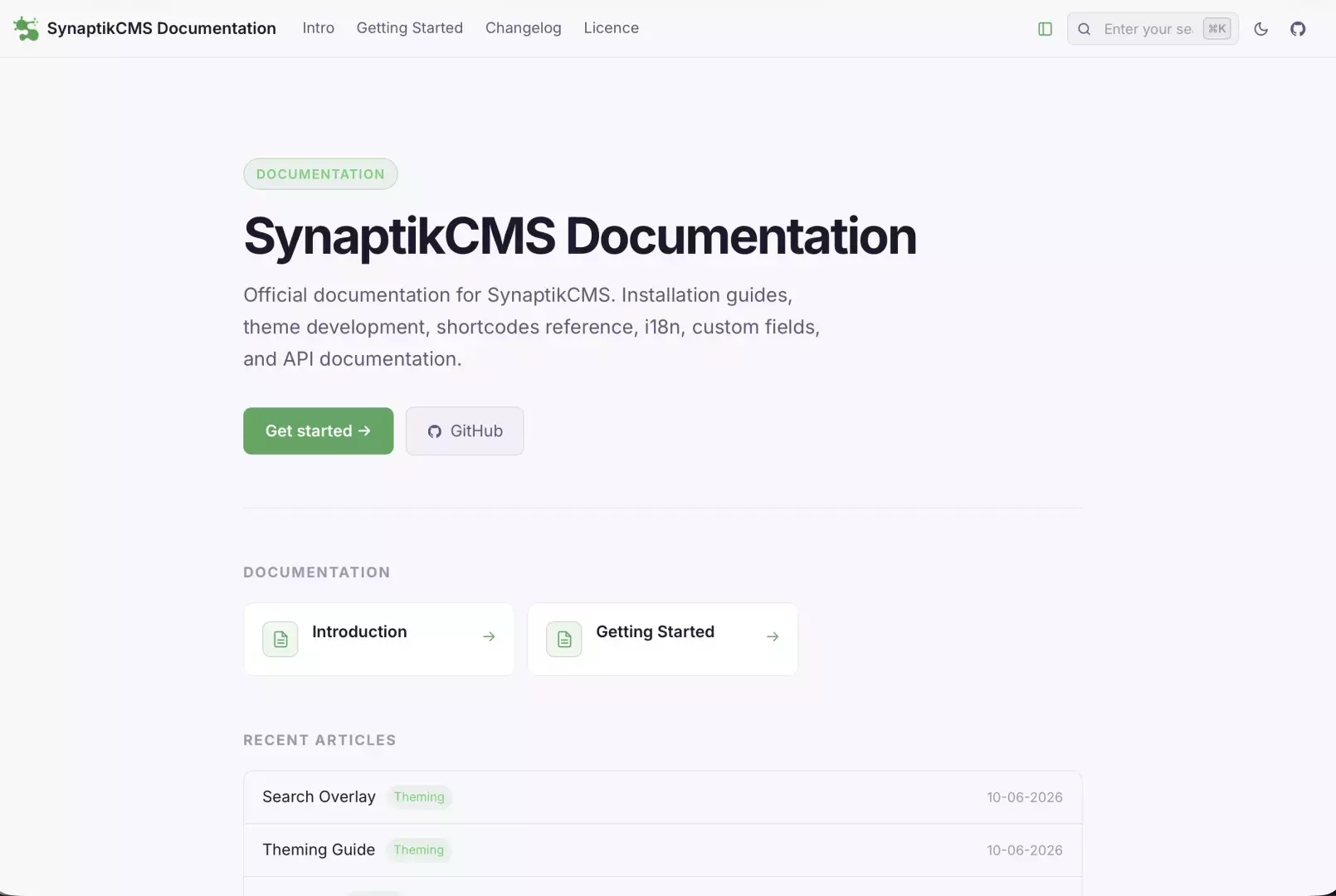
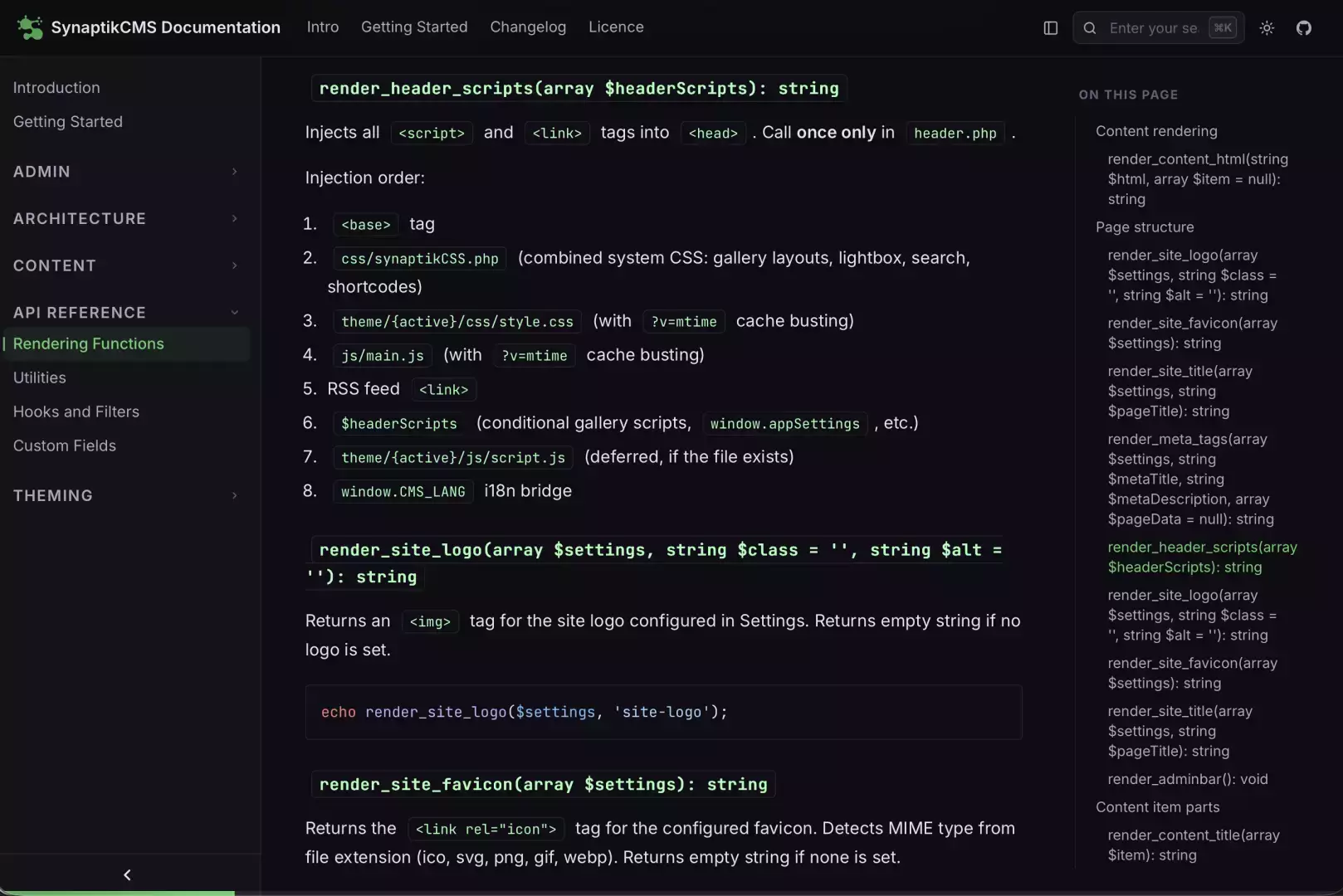
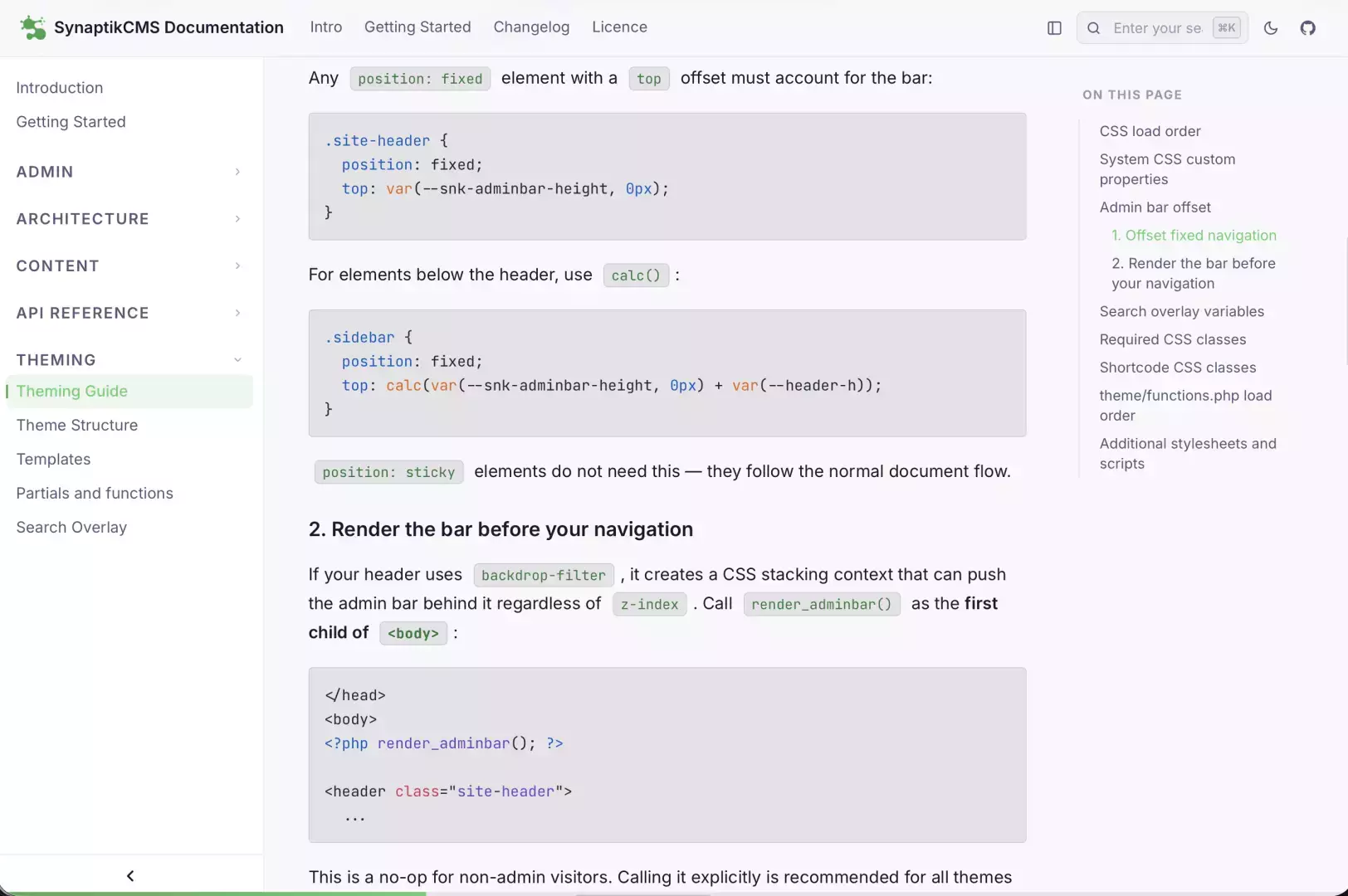
SynaptikDocs is a documentation-focused theme built for structured technical content. It features a collapsible sidebar with group navigation, an in-page table of contents, an inline search dropdown, a light/dark mode toggle, and syntax highlighting via Highlight.js.
View this theme live on the documentation page.
Setup notes
Before using this theme, you must update several hardcoded links:
In header.php, the GitHub button in the topbar points to https://github.com/synaptikcms/synaptik-cms. Replace it with your own repository URL, or remove the button entirely.
In the footer.php template, several hardcoded GitHub links need to be changed according to your needs.
The light/dark preference and sidebar state are both persisted in localStorage.
Sidebar
The sidebar is populated automatically from your content's menu structure.
1. Pages are listed up top in the sidebar, provided you checked "Show in main menu" in the page's display options (right sidebar in the editor). The pages that have "Show in main menu" unchecked will not appear. You can re-order the pages displayed in the sidebar using the "Menu Order" option in the editor.
2. Articles listed in the sidebar are grouped by category. Each category is shown as a group navigation, and each article within the category is listed underneath. As for pages, you can re-order the display of the articles by using the "Menu Order" option in the editor.
Top navigation
The top navigation bar is populated by the main menu - use the Menu Builder to customize it and arrange menu items as you like.
Syntax Highlighting
Syntax highlighting targets pre code blocks and works best with fenced code blocks using a language identifier (e.g. ```php).
Inline Search
The inline search requires CMS_BASE_URL to be defined, which this theme handles automatically — no additional configuration needed.
In-Page Table of Contents
The table of contents is generated and indented automatically according to the structure of your content, picking up H2, H3 and H4 headers to create the navigation.
Fonts
The theme ships with Inter and JetBrains Mono loaded from Google Fonts. If you need to work offline or avoid external requests, replace the @import at the top of style.css with locally hosted font files.