
File Manager: Upload, Organize & Optimize
Complete Control Over Your Media
The Synaptik CMS File Manager is your central hub for all media assets. A really easy drag & drop tool to make your life and your media and folder organization easier.
Uploading Files
Upload files by clicking the Upload button or simply dragging and dropping from your desktop. Multiple files can be uploaded simultaneously.
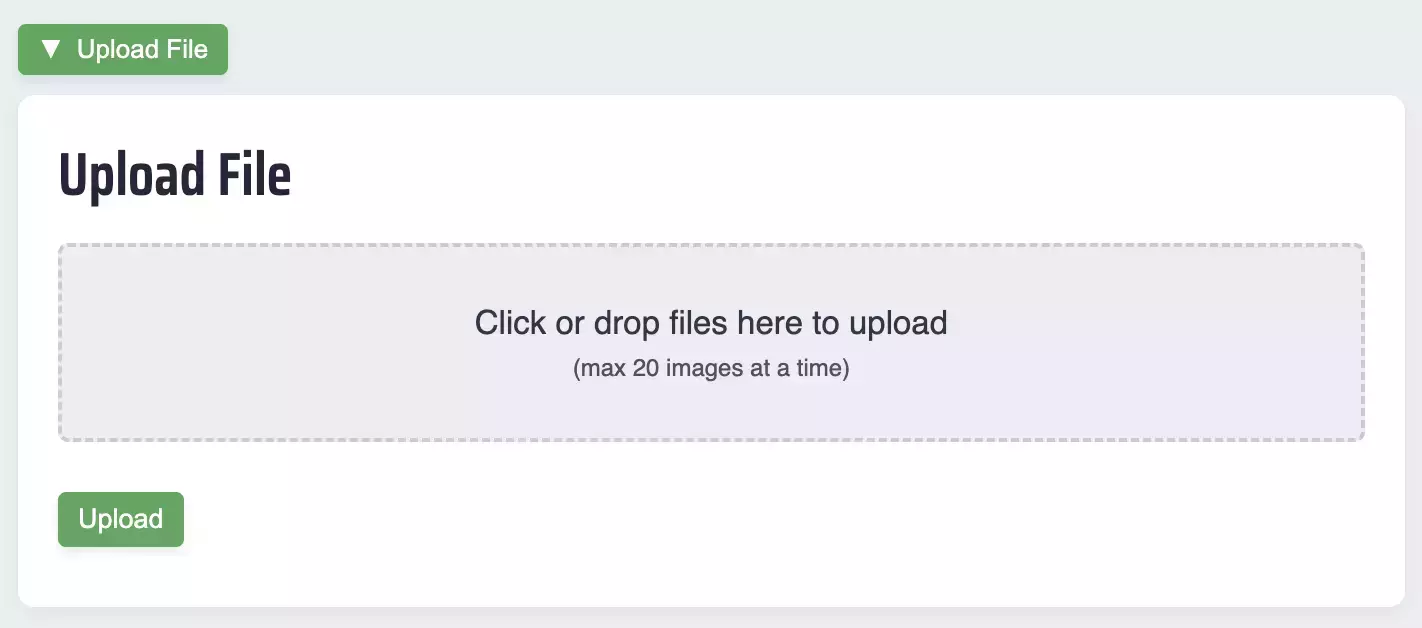
Your files will be uploaded into whatever folder you are currently viewing. For instance, if you are currently viewing the folder /files/vacations/europe-2026/, then this is where your uploaded pictures will go.
Folder Organization
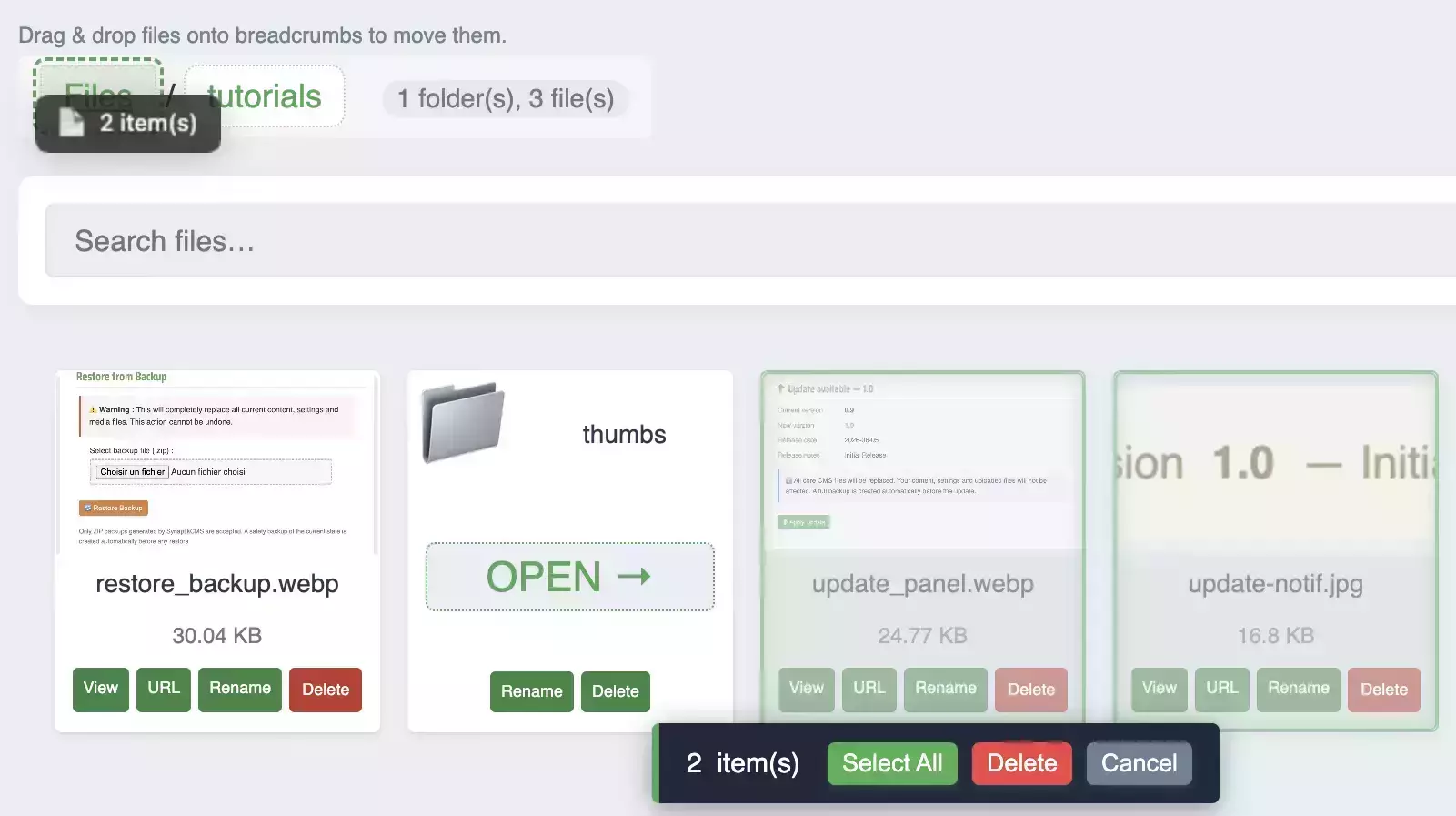
Create folders to organize your media logically. Navigate through folders with the breadcrumb navigation, and move files between folders with drag-and-drop.
If you accidentally uploaded pictures to the wrong folder, no worries! You can batch-select them with your cursor, then move them later on.
Automatic Optimization
When enabled in Settings, uploaded images are automatically optimized – resized, compressed, and optionally converted to WebP format.
To adjust your image optimization settings, go to Admin > Settings and open the Images tab.
Grid and List Views
Switch between grid view (with visual thumbnails) and list view (with detailed file information) with the toggle button on the right-hand side.


File Actions and Bulk Operations
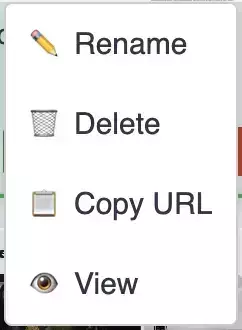
Right-click any file or folder to access the context menu with options to rename, move, delete, copy path, or view the item.

Automatic Optimization
When enabled in Settings, uploaded images are automatically optimized – resized, compressed, and optionally converted to WebP format.