
Mastering the Content Editor
Your Content Creation Powerhouse
The Synaptik CMS visual editor combines simplicity with power, giving you all the formatting tools you need without overwhelming complexity.
Basic Formatting: WYSIWYG Editor
The toolbar provides one-click access to essential formatting: bold, italic, underline, and strikethrough. You can also create ordered and unordered lists, blockquotes, and horizontal rules. Easier still, use common keyboard shortcuts (CTRL+B, CTRL+I, CTRL+U, CTRL+Z...).

Headings and Structure
Proper heading hierarchy is crucial for both readability and SEO. Use H2 for main sections, H3 for subsections, and H4 for further divisions.
Links, Tables and Media
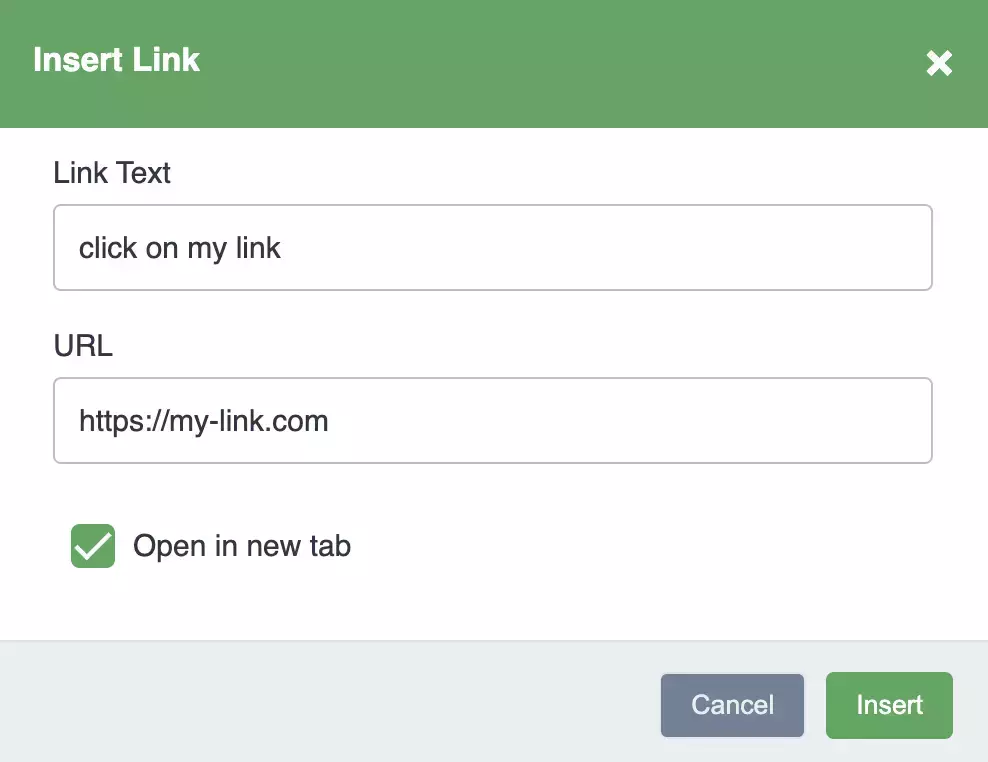
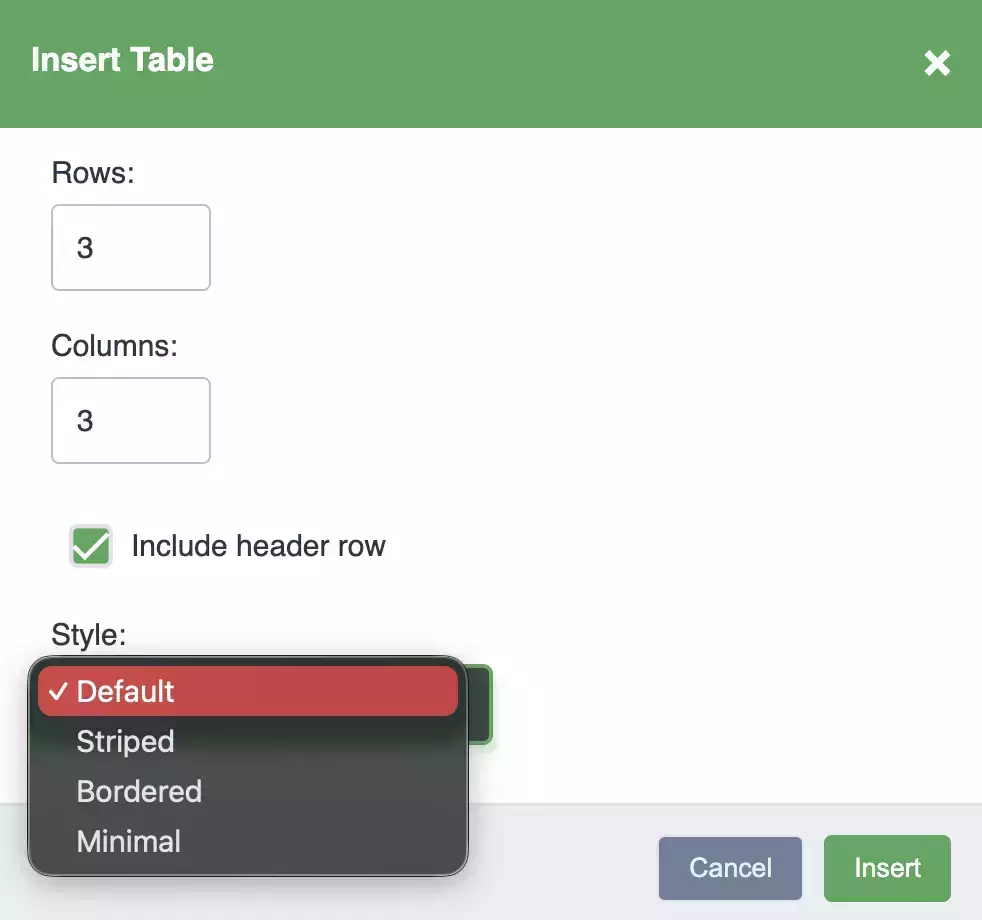
Insert links to internal pages or external sites with the link tool. Insert tables and choose the number of rows and colums, and choose from 3 defaults table styles (default, striped or bordered).
For images, you can insert directly from the file browser.
Code and Technical Content
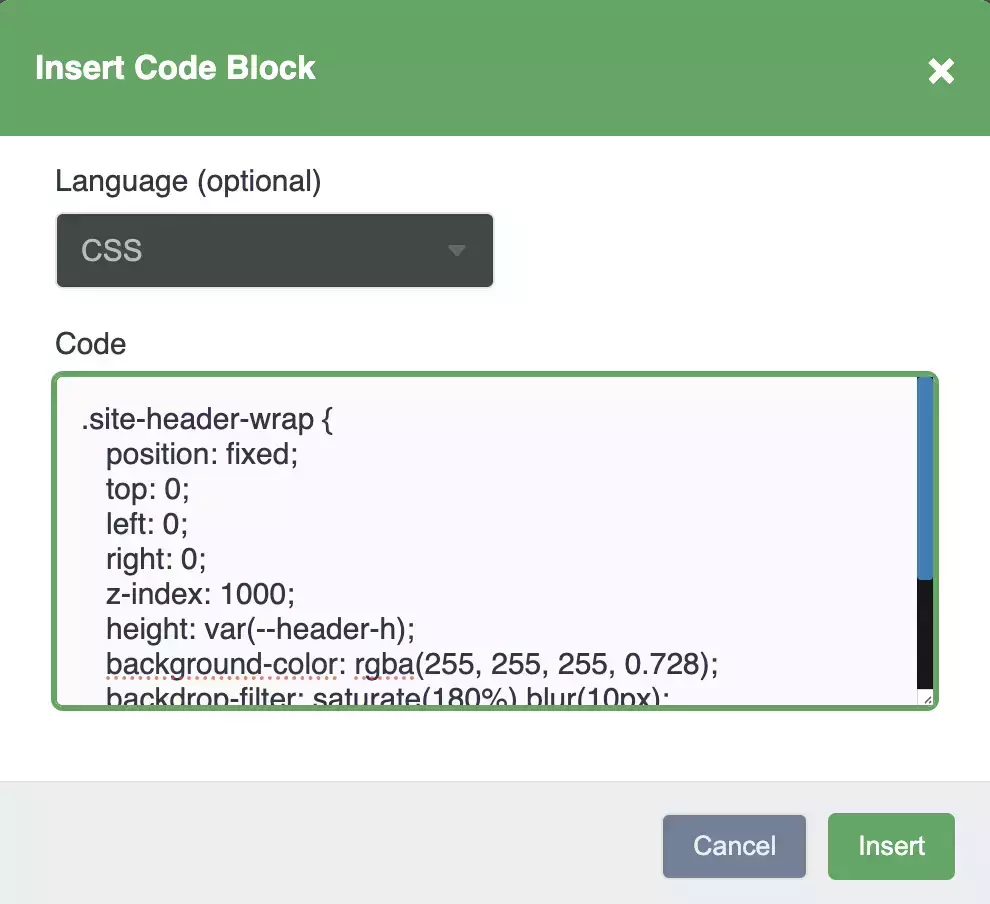
For developers, the editor includes inline code formatting and code blocks for longer snippets.
Shortcodes
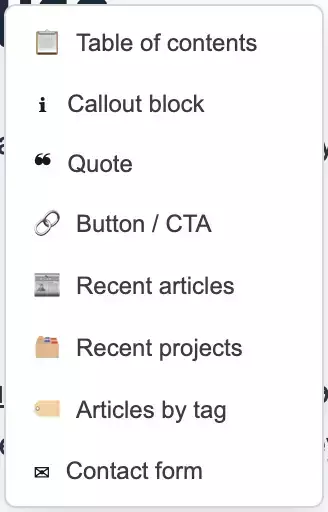
The built-in shortcodes enable you to insert a variety of extra formatting, such as a table of contents, recent posts, contact form or callout buttons.
Source Code Mode
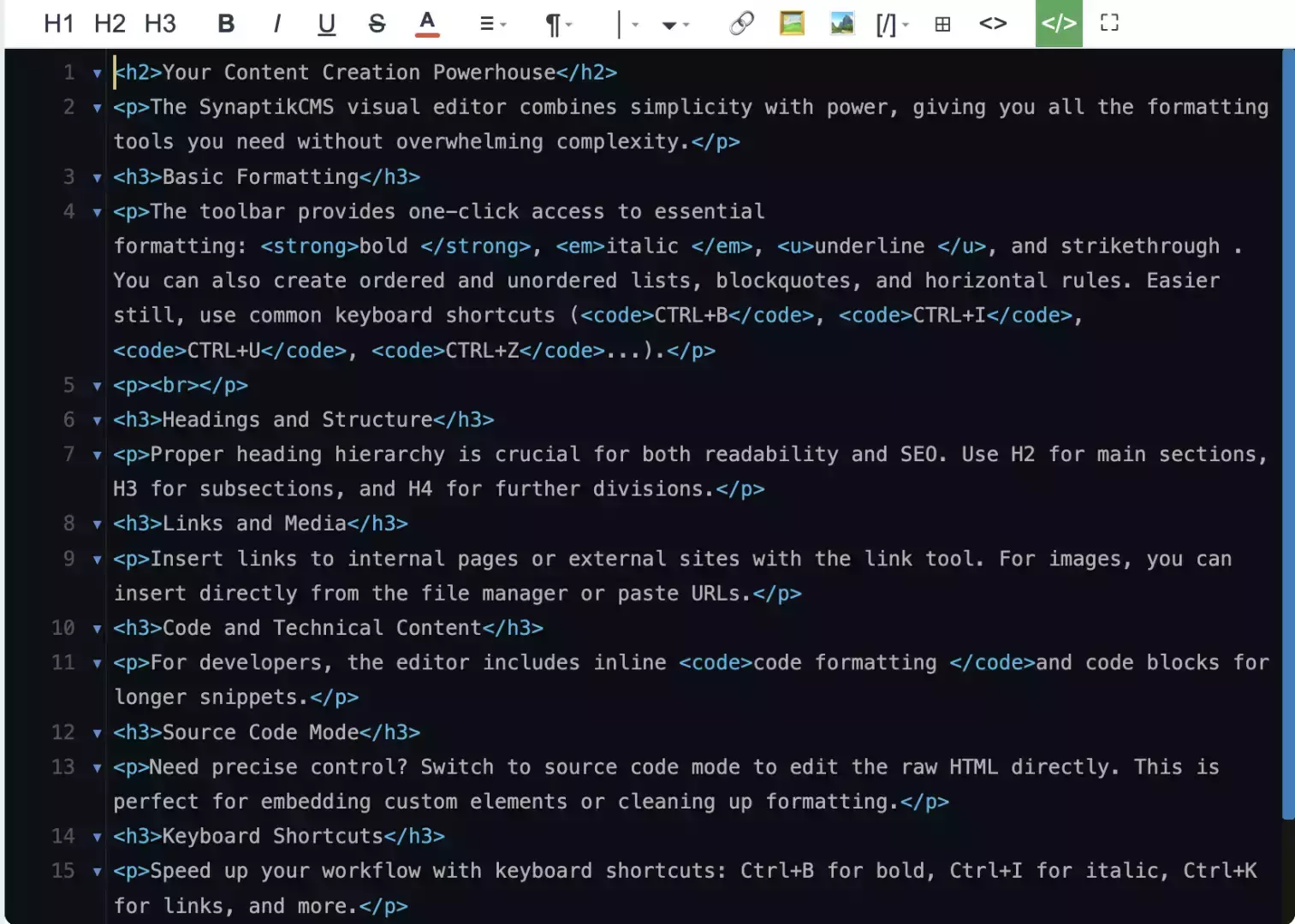
Need precise control? Switch to source code mode to edit the raw HTML directly. This is perfect for embedding custom elements or cleaning up formatting.
Keyboard Shortcuts
Speed up your workflow with keyboard shortcuts: Ctrl+B for bold, Ctrl+I for italic, Ctrl+K for links, and more.
Auto-Save and Recovery
The editor automatically saves your work as you type, protecting against browser crashes and accidental navigation.
Markdown Formatting
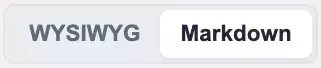
Synaptik CMS supports markdown formatting, which gets converted to html to display on the front-end. To enter markdown mode, click the toggle in the topbar.
To find out more about supported syntax, visit the Markdown Documentation Page or read the tutorial about the Mardown Editor.