How to Display Related Content
Synaptik CMS enables you to display related content in your posts. The idea of related content is to display a section at the bottom of your post, showing more posts that deal with a similar subject.
This can incite your visitors to view more pages on your site.
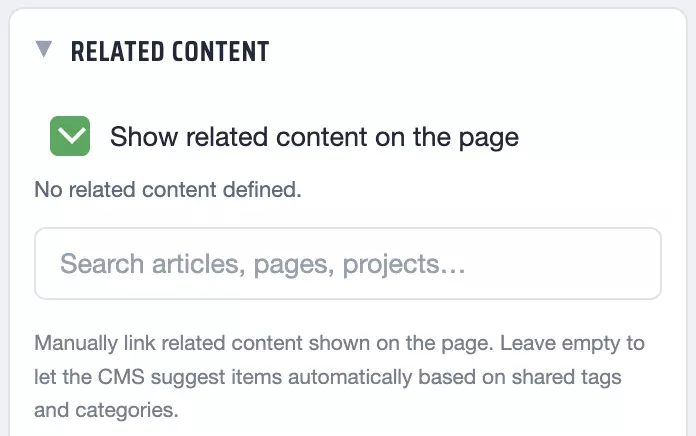
Display Automatic Related Content
In the editor sidebar, check 'Show related content on the page'. You have nothing more to do, the system will select items to display automatically, based on shared categories and tags.
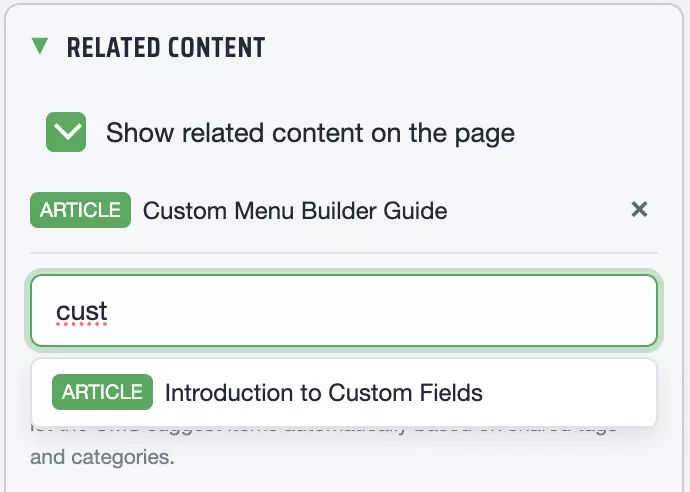
Choose Related Content Manually
To display specific items in your related content section, use the search field and in the dropdown, click to select the items to display.
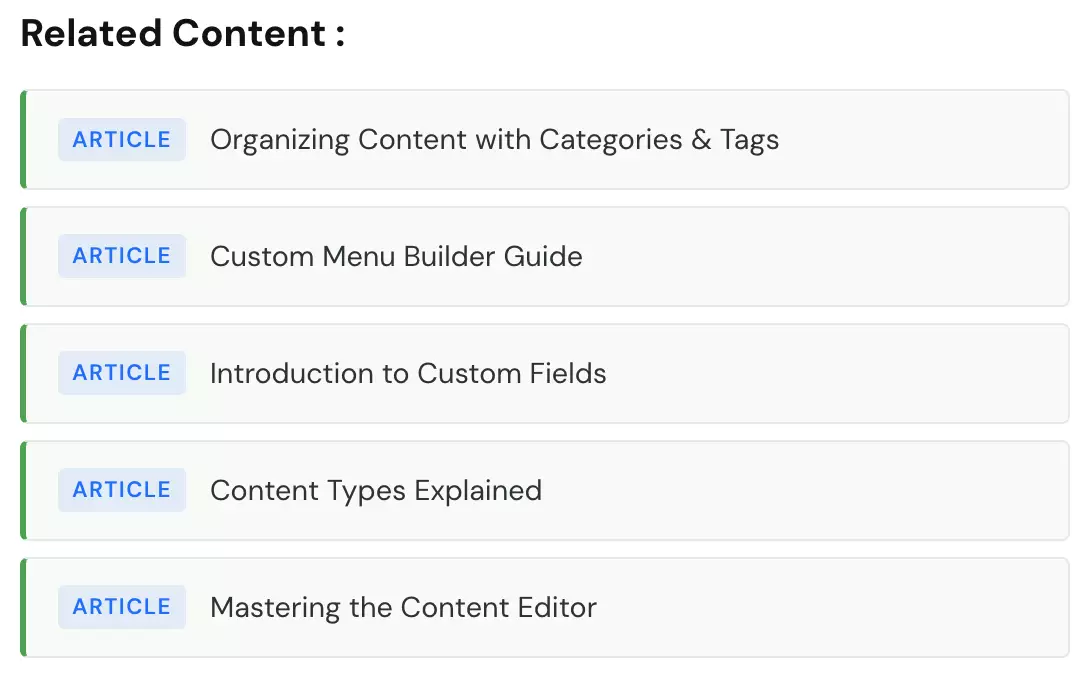
See an example below of what related content looks like. You can of course stylize this related content section in your theme according to your preferred style, large bars, a grid, a carousel...